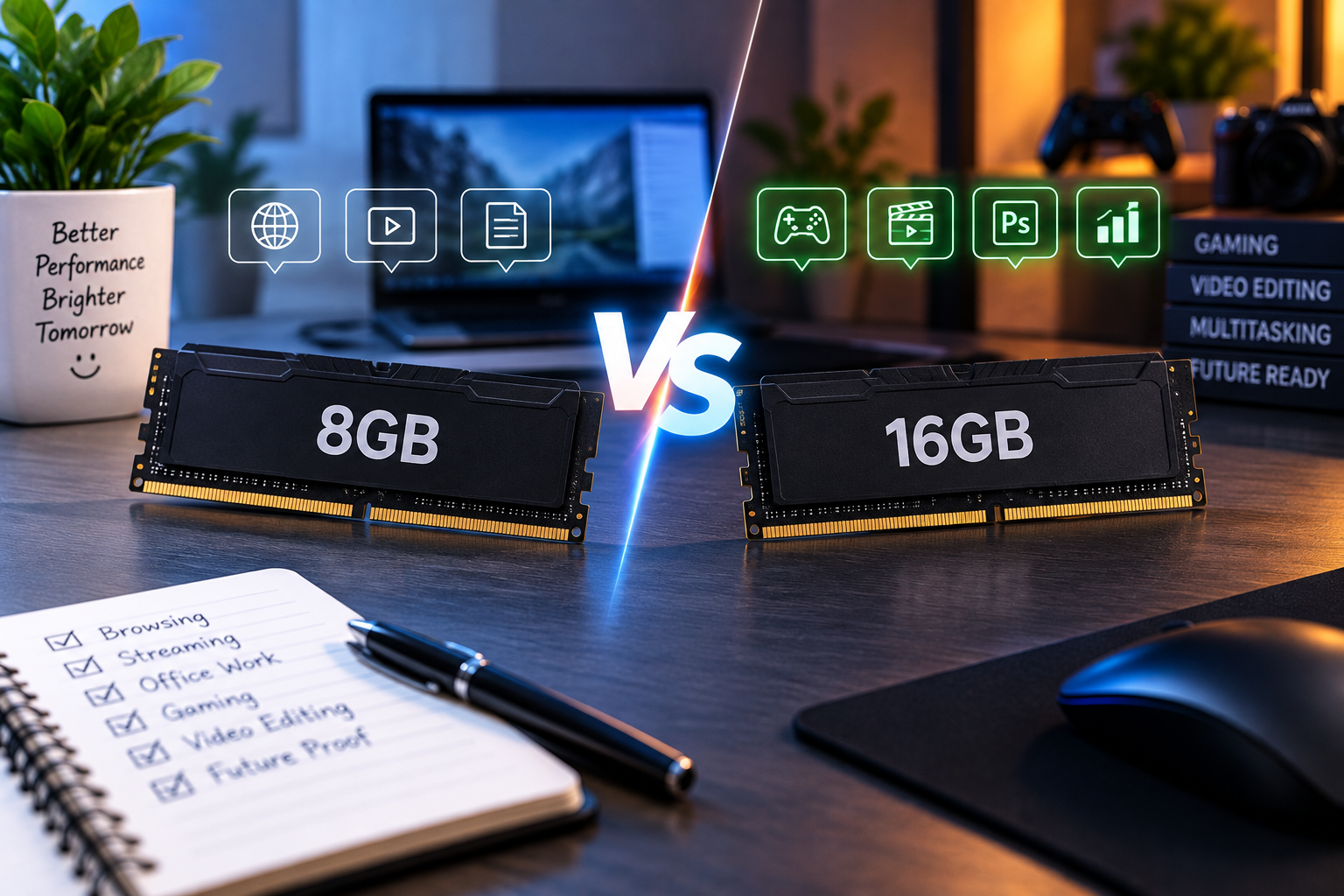
8GB vs 16GB RAM: How Much RAM Do You Really Need in 2026?
If you're buying a new laptop or upgrading a PC, you've probably come across two very common options:
8GB RAM
and
16GB RAM
The obvious question is:
Is 16GB RAM really necessary, or is 8GB enough?
For basic users, 8GB can still handle many everyday tasks.
But if you're buying a new laptop in 2026 and want to use it for several years, 16GB RAM is generally the safer and more comfortable choice, especially if you multitask, program, edit photos/videos or use demanding applications.
That doesn't mean everyone needs 16GB.
The right amount of RAM depends on what you actually do with your computer.
Let's break it down in simple terms.
What Is RAM?
RAM stands for:
Random Access Memory
It is the computer's short-term working memory.
When you open an application, browser tab or document, your computer uses RAM to keep the data it needs readily available.
Think of it like a desk.
Imagine you have:
Small desk = 8GB RAM
You can work comfortably, but if you put too many things on it, you'll start running out of space.
Large desk = 16GB RAM
You have more room to keep multiple things open at the same time.
The larger desk doesn't necessarily make every individual task twice as fast.
Instead, it gives your computer more room to work.
8GB vs 16GB RAM: Quick Comparison
| Feature | 8GB RAM | 16GB RAM |
|---|---|---|
| Web browsing | Good | Excellent |
| Office work | Good | Excellent |
| Online classes | Good | Excellent |
| Streaming | Good | Excellent |
| Multitasking | Moderate | Better |
| Programming | Basic–Good | Better |
| Photo editing | Basic–Good | Better |
| Video editing | Limited | Better |
| Gaming | Depends on game | Better overall |
| Heavy multitasking | Limited | Much better |
| Future-proofing | Moderate | Better |
| Price | Lower | Higher |
The important thing is that RAM isn't the only component that determines performance.
Processor, SSD, GPU and software optimization also matter.
Is 8GB RAM Enough in 2026?
Yes—but only for certain users.
If your computer usage mainly consists of:
- Google Chrome
- YouTube
- Microsoft Word
- Excel
- PDFs
- Online classes
- Basic office work
- Social media
- Light applications
8GB can still be usable.
However, you may notice limitations when you start doing several things simultaneously.
For example:
Chrome + 15 tabs + Photoshop + Spotify + Teams + Word
can put considerably more pressure on available memory than simply browsing the web.
Is 16GB RAM Enough in 2026?
For most mainstream users:
Yes.
16GB provides a comfortable amount of memory for:
- Productivity
- Multitasking
- Programming
- Moderate photo editing
- Many games
- General creative work
- Everyday computing
For many people, 16GB is currently a good balance between:
Price + Performance + Longevity
8GB vs 16GB: Does 16GB Make the Laptop Twice as Fast?
No.
This is an important misconception.
Going from:
8GB → 16GB
doesn't mean every application suddenly becomes twice as fast.
RAM capacity is different from CPU performance.
For example, if an application only needs 6GB of RAM, having 16GB instead of 8GB may not make that specific application dramatically faster.
The advantage becomes much more obvious when:
Your workload exceeds the available RAM.
When that happens, the operating system may use storage as additional memory, which is much slower than actual RAM.
That's when your computer can start feeling sluggish.
What Happens When You Run Out of RAM?
Suppose your laptop has:
8GB RAM
and your applications collectively need more memory.
Your operating system has to manage memory carefully.
It may move less-active data between RAM and storage.
This process can increase storage activity and cause:
- Slower application switching
- Stuttering
- Longer loading
- Reduced responsiveness
- More noticeable slowdowns
This is one reason why having additional RAM can improve the overall experience even when your processor hasn't changed.
8GB RAM for Students
For students, 8GB can be enough for basic academic work.
If you're mainly doing:
- Google Docs
- Microsoft Word
- PowerPoint
- PDFs
- Online classes
- Web research
- YouTube
8GB can work.
However, students often keep many browser tabs open.
You might have:
- Google Classroom
- YouTube
- Research articles
- ChatGPT
- Word
- PDF reader
- Zoom/Meet
running simultaneously.
In that situation:
16GB is more comfortable.
If you're buying a laptop for a university course and plan to keep it for several years, I'd generally lean toward 16GB when the price difference is reasonable.
8GB vs 16GB for Office Work
For basic office work, 8GB is often sufficient.
For example:
- Word
- Excel
- PowerPoint
- Browser
- Video conferencing
can run comfortably on a well-optimized 8GB system.
But office workers often multitask.
You might have:
30 browser tabs + Excel + Teams + Outlook + Word
open at the same time.
That's where 16GB starts making more sense.
Recommendation:
Basic office → 8GB can be enough
Heavy multitasking → 16GB recommended
8GB vs 16GB for Programming
For basic programming:
8GB can work.
You can use:
- VS Code
- Web browsers
- Git
- Terminal
- Basic development tools
without necessarily needing 16GB.
But modern development environments can become memory-heavy.
If you're using:
- Android Studio
- Docker
- Virtual machines
- Multiple IDEs
- Local databases
- Large projects
- Emulators
then:
16GB is strongly preferable.
For professional development work, especially with virtual machines or containers, even more RAM may eventually be useful.
8GB vs 16GB for Gaming
This is where many people get confused.
Gaming performance depends heavily on:
- GPU
- CPU
- Game engine
- Graphics settings
- Resolution
- Storage
- Drivers
RAM also matters.
For many modern games:
16GB is a better target.
8GB may work for some games and configurations, but it leaves less room for the game plus Windows and background applications.
And if you're streaming, recording or multitasking while gaming, 16GB becomes even more useful.
Does More RAM Increase FPS?
Not necessarily.
If your game already has enough RAM available, adding more RAM may produce little or no meaningful FPS improvement.
However, insufficient RAM can contribute to:
- Stuttering
- Frame-time problems
- Asset-loading issues
- Background-task interference
So the goal isn't:
"Get the most RAM possible."
The goal is:
"Have enough RAM for your workload."
8GB vs 16GB for Video Editing
Video editing can consume significant system resources.
Applications may use RAM for:
- Video previews
- Timelines
- Effects
- Assets
- Caching
- Multitasking
For simple editing, 8GB may be usable.
But if you're editing:
- 4K footage
- Long videos
- Multiple layers
- Motion graphics
- High-resolution assets
16GB should be considered a practical starting point.
For professional workloads, 32GB or more can make sense depending on the software and project complexity.
8GB vs 16GB for Photoshop
For basic photo editing:
8GB can work.
But large files and complex projects can consume much more memory.
If you're working with:
- High-resolution photos
- Multiple layers
- Large PSD files
- Multiple applications
16GB provides significantly more headroom.
8GB vs 16GB for Video Editing on a Laptop
If you're buying a laptop specifically for content creation, I'd generally avoid choosing 8GB simply to save money.
Instead, prioritize:
16GB RAM + good CPU + fast SSD + suitable GPU
depending on your editing software and workload.
The RAM alone won't make the laptop a great editing machine.
8GB vs 16GB for Browsing
This is an interesting comparison.
If you open only a few browser tabs:
8GB is enough.
But modern websites can be surprisingly resource-intensive.
Now imagine:
25–50 browser tabs
plus:
- YouTube
- Google Docs
- Discord
- Spotify
- Teams
- Other applications
16GB provides much more breathing room.
Does Chrome Really Use That Much RAM?
It can.
Modern browsers use separate processes and can consume significant memory, especially with:
- Many tabs
- Complex websites
- Web applications
- Extensions
- Video content
This doesn't mean Chrome is "bad."
It simply means that modern computing workloads require more memory than they did years ago.
8GB vs 16GB for AI Tools
Many AI tools run primarily in the cloud through a web browser.
For example, if you're using:
- ChatGPT
- Gemini
- Claude
- Online AI image tools
- AI writing tools
you don't necessarily need huge amounts of system RAM.
But if you're running AI models locally, the requirements can be dramatically different.
Local AI workloads may depend heavily on:
- System RAM
- GPU VRAM
- GPU performance
- Storage
- Model size
So:
Online AI → 8–16GB can be enough
Local AI → Requirements can be much higher
8GB vs 16GB for Students: Which Should You Buy?
If you're a student and choosing between two otherwise similar laptops:
Laptop A
8GB RAM
Laptop B
16GB RAM
If the price difference is reasonable:
Choose 16GB.
Why?
Because you'll have more flexibility for:
- Research
- Browser tabs
- Programming
- Presentations
- Video calls
- Multitasking
- Future applications
What About 4GB RAM?
If you're buying a new laptop today, I'd generally avoid choosing 4GB RAM for a primary Windows computer unless there's a very specific lightweight use case.
Modern operating systems and applications can quickly consume a significant portion of available memory.
For a computer you intend to use regularly, 8GB is a much more sensible baseline, while 16GB provides more breathing room.
What About 32GB RAM?
You don't need 32GB just because it's available.
It makes more sense for users who regularly work with demanding applications.
Consider 32GB if you're doing:
- Professional video editing
- 3D rendering
- Large software projects
- Virtual machines
- Heavy multitasking
- Large datasets
- Specialized professional workloads
For normal browsing and office work:
32GB is usually unnecessary.
8GB vs 16GB: The Upgrade Question
There's another important factor:
Can the laptop's RAM be upgraded later?
Suppose you buy:
8GB RAM
and the laptop has an empty RAM slot.
You may later be able to upgrade to:
16GB
or more.
That's very different from a laptop where the RAM is permanently soldered.
Before buying, check:
- Is the RAM soldered?
- Is there an additional RAM slot?
- What's the maximum supported RAM?
- Does the laptop support dual-channel memory?
Soldered RAM vs Upgradeable RAM
Soldered RAM
The memory is attached directly to the motherboard.
Advantages:
- Compact design
- Can be efficient for thin laptops
Disadvantage:
You may not be able to upgrade it later.
Upgradeable RAM
RAM modules can be replaced or added.
Advantage:
You have more flexibility.
For example:
8GB now → 16GB later
if the system supports it.
Does Dual-Channel RAM Matter?
Yes, memory configuration can affect performance.
A system with two compatible memory modules can often operate in a dual-channel configuration, which increases memory bandwidth.
The real-world benefit depends on the workload and platform.
It can be particularly relevant to systems using integrated graphics because integrated GPUs often use system memory.
So don't look only at:
8GB vs 16GB
Also consider:
How is that RAM configured?
8GB + 8GB vs 16GB Single Stick
If a desktop PC supports dual-channel memory, a configuration such as:
8GB + 8GB = 16GB
can offer different memory bandwidth characteristics compared with:
1 × 16GB
depending on the platform.
However, laptop configurations vary considerably.
Always check the manufacturer's specifications before assuming how the memory is configured.
RAM Speed vs RAM Capacity
Another common question is:
"Is faster RAM better than more RAM?"
It depends.
Imagine:
Laptop A
8GB faster RAM
Laptop B
16GB slightly slower RAM
For heavy multitasking, the 16GB machine may be more useful because it has more capacity.
In many everyday scenarios, having enough RAM matters more than chasing small differences in memory speed.
RAM vs SSD: Which Is More Important?
They're completely different.
RAM
Temporary working memory.
SSD
Long-term storage.
A laptop needs both.
Think of it like this:
RAM = Your workspace
SSD = Your storage cupboard
A large cupboard doesn't give you a bigger desk.
And a huge desk doesn't give you more storage.
You need the right balance.
Does an SSD Replace RAM?
No.
An SSD can be used by the operating system for memory management when RAM becomes constrained, but it is not a replacement for physical RAM.
RAM is much better suited for active working data.
That's why upgrading from:
8GB → 16GB
can help a system that regularly runs out of memory.
How Much RAM Should You Get?
Here's a simple guide.
| User Type | Recommended RAM |
|---|---|
| Basic browsing | 8GB |
| School/college | 8–16GB |
| Office work | 8–16GB |
| Heavy multitasking | 16GB |
| Programming | 16GB preferred |
| Gaming | 16GB preferred |
| Photo editing | 16GB preferred |
| Video editing | 16GB+ |
| 3D / Professional work | 32GB+ |
| Virtual machines | 16–32GB+ |
| Local AI workloads | Depends heavily on workload |
Should You Buy 8GB or 16GB in 2026?
For a new laptop, here's my simple recommendation:
Buy 8GB if:
- Your budget is very tight
- Your work is basic
- You mostly browse and use Office
- The laptop can be upgraded later
- You don't multitask heavily
Buy 16GB if:
- You want better multitasking
- You're a programmer
- You game
- You edit photos/videos
- You use many browser tabs
- You want a laptop for several years
- The RAM cannot be upgraded
Buy 32GB if:
- You have professional workloads
- You use virtual machines
- You edit demanding video projects
- You do 3D work
- You regularly work with large datasets
The Most Important Buying Tip
If you're buying a laptop with soldered RAM:
Think carefully before choosing 8GB.
You might save money today, but you cannot necessarily add more RAM later.
If the laptop is going to be your primary computer for several years, 16GB can be a much safer investment.
Don't Sacrifice the Processor for RAM
Suppose your budget gives you two choices:
Option A
8GB RAM + much stronger processor
Option B
16GB RAM + significantly weaker processor
Don't automatically choose Option B.
A balanced configuration is usually better.
Consider:
- CPU
- RAM
- SSD
- GPU
- Display
- Battery
- Upgradeability
as a complete package.
What Is the Best RAM for a New Laptop?
For most people shopping for a new laptop in 2026:
16GB is the sweet spot.
It provides enough headroom for everyday productivity and many demanding workloads without forcing you into the cost of 32GB.
8GB remains usable for basic users, especially when the laptop is inexpensive and upgradeable.
Final Verdict
So, 8GB vs 16GB RAM—which one should you choose?
For basic users:
8GB can be enough.
For most new laptop buyers:
16GB is the better choice.
For professionals:
16GB–32GB+ depending on workload.
If you're buying a laptop today and the price difference between 8GB and 16GB isn't huge, I'd generally recommend 16GB.
You'll have more room for:
Browser tabs + applications + multitasking + future software
without constantly worrying about memory usage.
And if the RAM is soldered and cannot be upgraded, choosing 16GB becomes even more attractive.
The simple rule:
8GB works. 16GB gives you breathing room. 32GB is for demanding workloads.
Don't choose RAM based purely on the biggest number.
Choose it based on how you actually use your laptop.